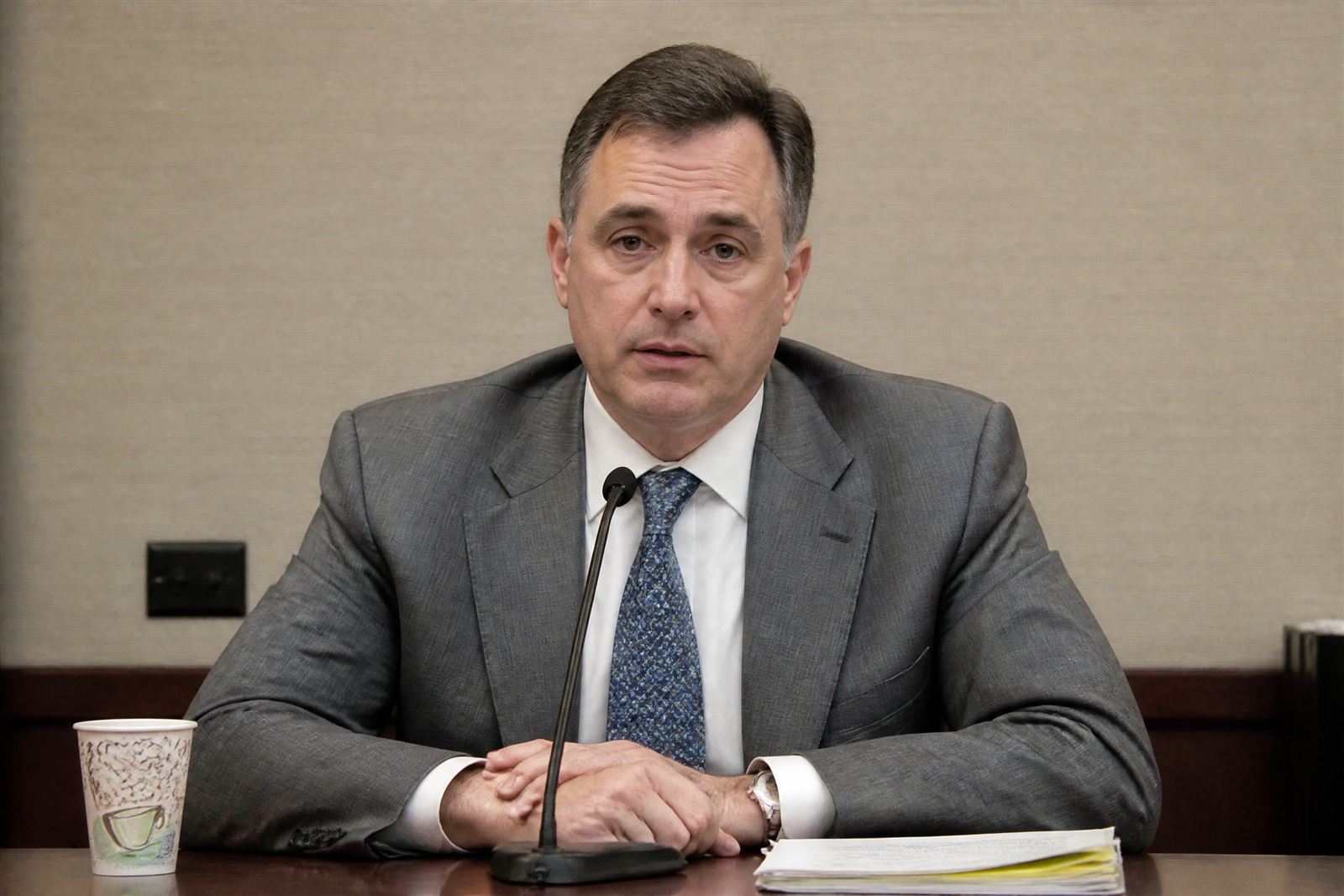
01
A named specialist
Meet the specialist assigned to your matter before trial preparation begins. Work directly with that person as the presentation takes shape.
It’s already up. Trial presentation for law firms nationwide, led by Jolie Zajac. Work with a specialist who prepares your exhibits and presents them in court.
Serving trial teams across the United States
Date not set? Leave it blank. We reply within 24 hours.
Trial starts within two weeks? Call (949) 619-7006.
See Exhibit 14 on screen
Courtroom experience
Jolie Zajac · Since 2018
100+
Trials nationwide
100,000+
Exhibits presented
1,000+
Depo video clips
50+
Courthouses served
These figures reflect Jolie’s work as a trial presentation specialist.
The work — a demonstration
Follow an exhibit from counsel’s call to the jury’s screen. Select a step to try the controls.
In this example, Exhibit 14 is admitted evidence and the deposition excerpt is cleared for playback. The operator prepares the display; counsel gives the cue.
Fictional exhibit and testimony. Playback is simulated.
01 · Operator preview
“Exhibit 14, please.” Page 7 is ready in the operator’s preview. Counsel controls when it goes to the jury.
02 · Highlight
Counsel identifies the notice provision. The operator highlights “within forty-eight (48) hours.” The surrounding text stays visible.
03 · Callout
The callout makes the notice requirement easier to read. The exhibit number and section reference stay with it.
04 · Deposition
The witness has testified that written notice went out within 48 hours of learning of the deviation. Counsel calls for Clip 22, page 141, lines 12–18. The operator checks the excerpt and holds playback for the cue.
05 · Jury display
The admitted exhibit and cleared deposition excerpt go to the jury side by side, following the court’s instructions. Counsel makes the comparison; the operator controls the display.
Our approach
Meet your specialist before preparation begins. Work directly with that person on the exhibits, clips and cues you will use in court. Your engagement confirms the assignment and support.
01
Meet the specialist assigned to your matter before trial preparation begins. Work directly with that person as the presentation takes shape.
02
The specialist who prepares your exhibits also presents them in court, carrying that familiarity into the examination.
03
Equipment and operator coverage are addressed when the engagement is scoped, including how the files would transfer if another operator were needed.
The founder
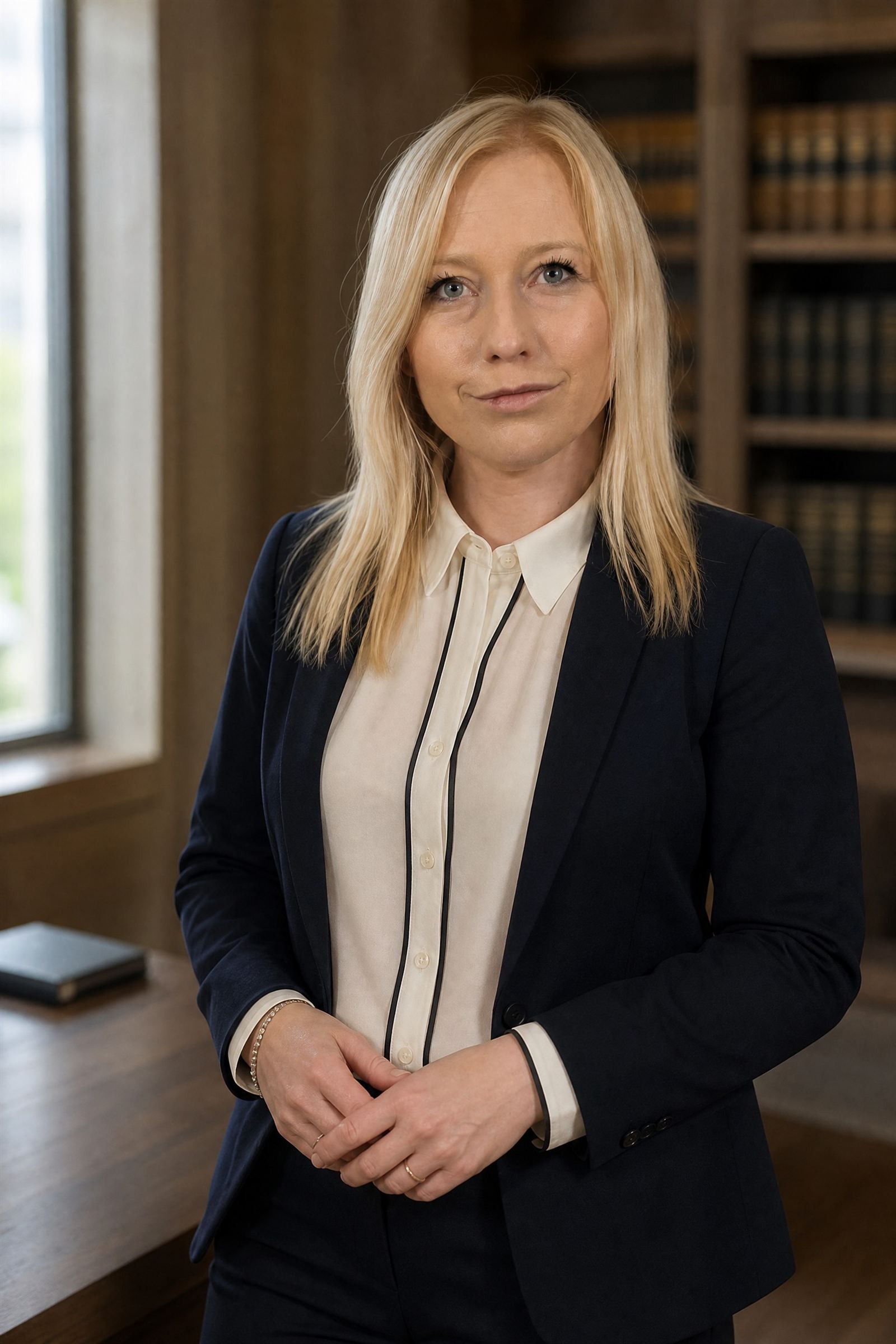
Founder · Trial Presentation Specialist
View Jolie’s LinkedIn profile →
Jolie has worked in trial presentation since 2018. She prepares exhibit databases and deposition clips, creates PowerPoint presentations and animations, and runs the hot seat in court.
She leads Zajac Trial Group and takes trial assignments as her calendar permits. For each engagement, your team meets the assigned specialist before preparation begins. That specialist prepares the presentation and runs the hot seat.
 OnCue Advanced User CertificationVerify Jolie in the OnCue registry ↗
Share your trial dates. We’ll confirm Jolie’s availability and the scope of your engagement.
What we work from. Exhibit numbers, Bates numbers and transcript page-line references are the working references at the hot seat. Counsel’s exhibit list and deposition designations guide the preparation.
Services
Display exhibits, build callouts and highlights, and play deposition clips at counsel’s direction. Prepare side-by-side displays and cue demonstratives for the examination.
Build or review your OnCue, TrialDirector or Sanction database using counsel’s exhibit list. Check exhibit numbers, Bates references and page order so documents can be located during examination.
Sync video to the transcript and prepare clips from counsel’s page-line designations and counterdesignations. Revise cuts to reflect counsel’s instructions and the court’s rulings, then check playback.
Turn your materials into slides, timelines, document comparisons and animations that counsel can use to explain the case. Review the content with your team and check playback before court.
Plan the display, switching and audio setup around the courtroom’s requirements. Set up and test the equipment included in the engagement, with war-room support as needed.
Equipment, graphics work, war-room support and travel are scoped with your team and set out in the engagement.
Preparation
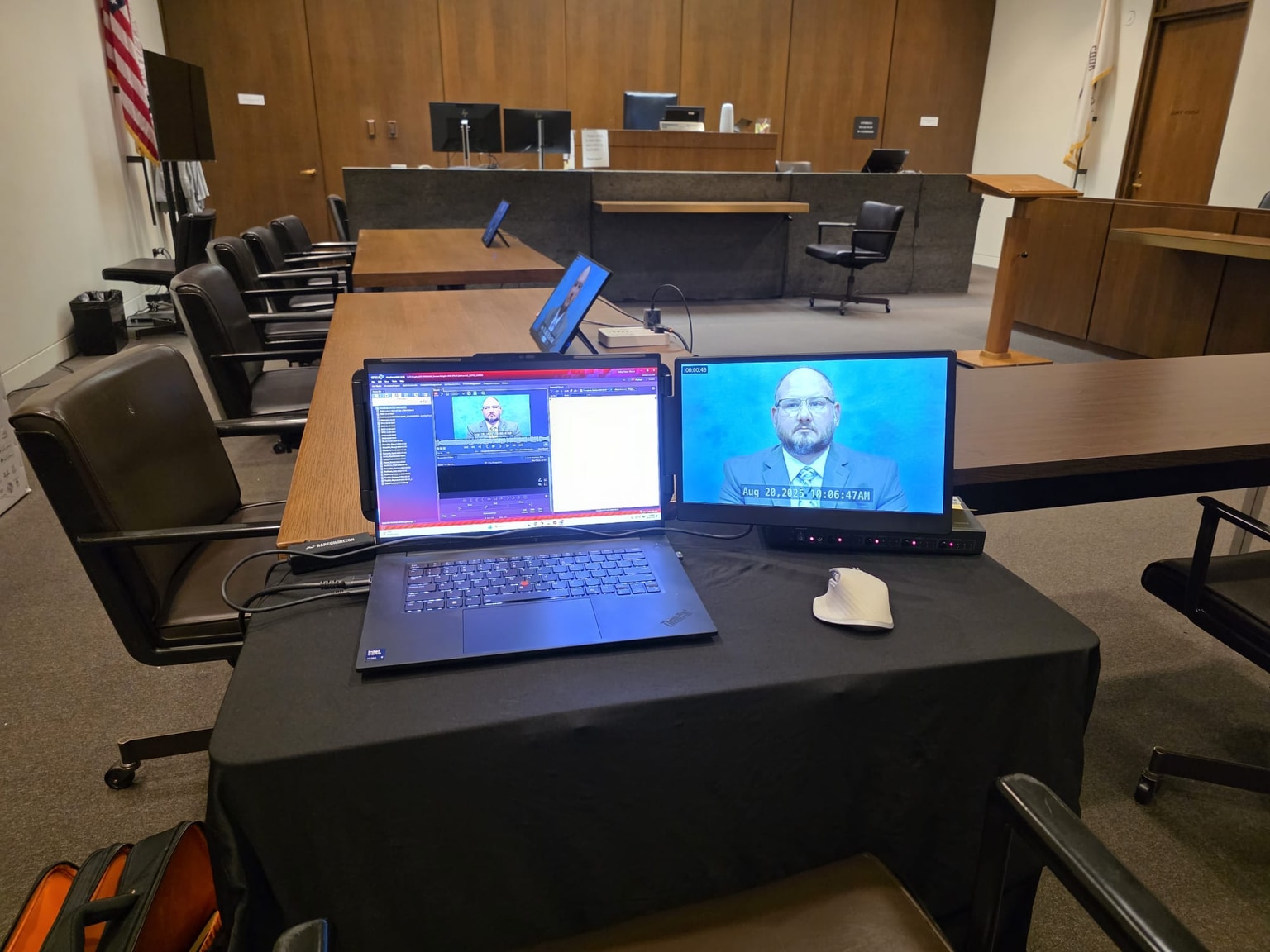
Review displays, audio, connections and equipment restrictions with courtroom staff. Arrange a walkthrough when access permits.
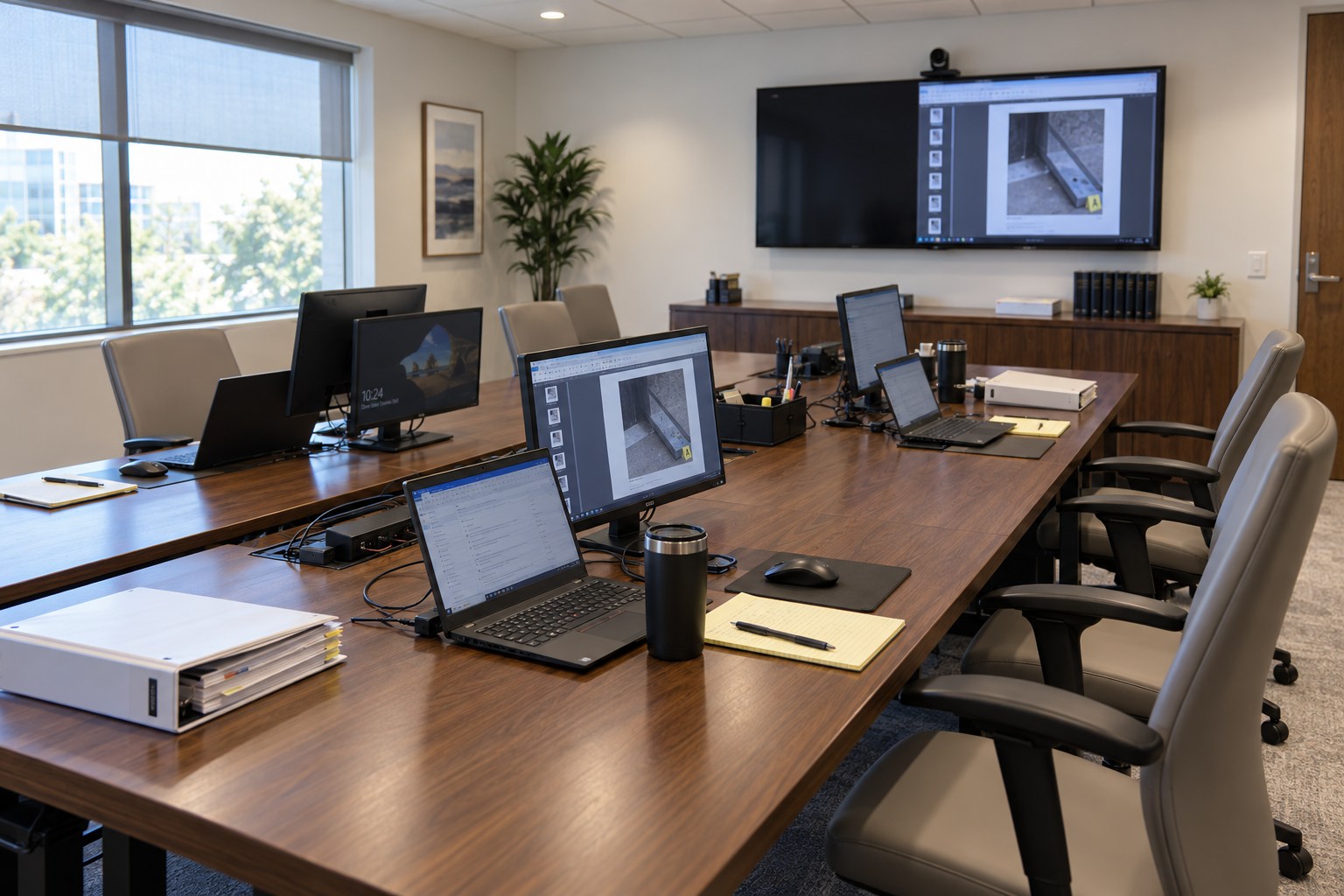
Set up the agreed courtroom and war-room equipment. Check the files on the primary and agreed backup systems.
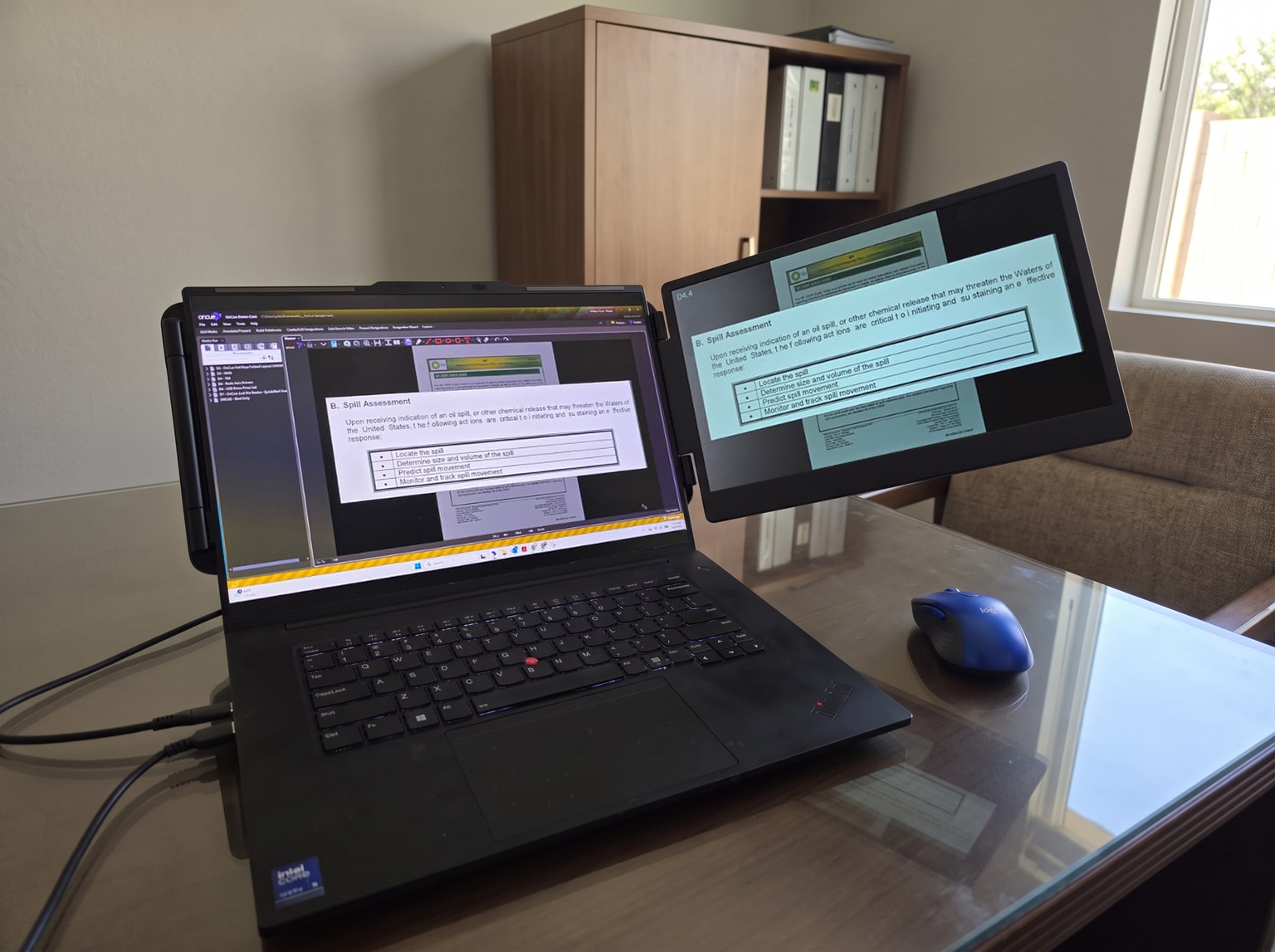
Check exhibit IDs and page numbers. Review clips against counsel’s designations and rehearse the planned presentation.
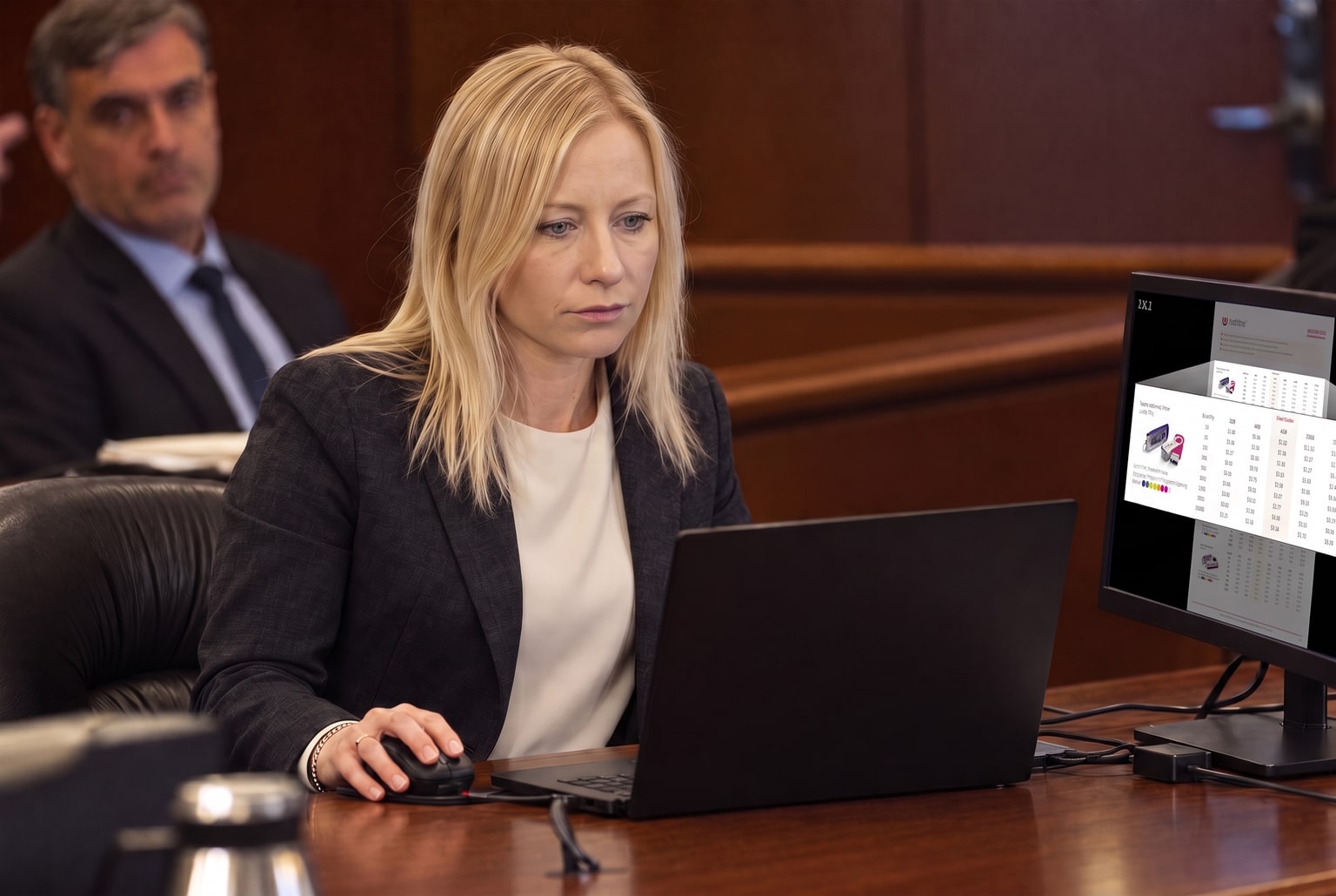
Run the hot seat at counsel’s direction. Review overnight changes with the trial team and prepare for the next session.
Photos and AI-assisted illustrations of trial preparation and courtroom setup.
The engagementRetained · Files · Trial
Tell us your trial date and the help you need. Once the engagement is agreed, we arrange the file transfer and get to work.
Step 1 · Retained
Confirm the assigned specialist, scope and dates in the engagement terms. Those terms govern the reservation of trial dates.
Step 2 · Files
After intake arrangements are agreed, send the exhibit set and list, witness list, deposition designations, transcripts and video. An existing presentation database can be the starting point.
Step 3 · Trial
The assigned specialist checks the materials and rehearses with counsel before taking the hot seat. An inherited database is reviewed and corrected as needed before use in court.
No case files needed for the initial inquiry.
Standing option — Priority Retainer
For firms with recurring trial needs, ask about a standing arrangement for scheduling and preparation. Availability and terms are agreed in writing.
Check availability
Send the date and your contact details. We’ll follow up about availability and scope. Personal reply within 24 hours.
Call (949) 619-7006 to discuss the schedule.
You can also email jolie@zajactrialgroup.com. Confidentiality terms and any NDA are agreed before case materials are transferred. Insured, including E&O.
FAQ
The operator controls the presentation system: calling up exhibits, enlarging passages, adding highlights and playing deposition clips. Counsel directs what is shown and when, subject to the court’s rulings. The operator handles the display so counsel can conduct the examination.
Your assigned specialist is identified before trial preparation begins. That person prepares the presentation and operates the hot seat. Jolie leads the firm and takes trial assignments as her calendar permits; confirm who is assigned to your matter when the engagement is scoped.
Discuss that contingency when the engagement is scoped, including replacement-operator availability, access to the current database and clips, and the time needed for a handoff. Backup arrangements depend on the matter and schedule; confirm the agreed coverage in the engagement terms.
OnCue, TrialDirector and Sanction. Jolie Zajac holds the OnCue Advanced User Certification. We can prepare a new presentation database or review an existing one. The assigned specialist checks exhibit references and playback before using the materials in court.
Yes. We serve Los Angeles, Orange County and San Diego and travel nationwide. Travel dates, costs and any equipment arrangements are addressed when the engagement is scoped.
Call (949) 619-7006 with the trial date, court and expected length. We’ll review the schedule and preparation needs with you. Whether we can take the assignment depends on availability and the work required before trial. No case files are needed for that first inquiry.
Keep confidential case details and files out of the initial inquiry. Before transferring materials, confirm confidentiality terms, any NDA requirements and the agreed transfer method with us. This form does not put an NDA in place.
For trial teams nationwide
Choose your trial technician, organize exhibits, prepare deposition clips and check the courtroom setup. Eight practical guides for counsel and litigation teams.
Explore the trial presentation guides → Start with hiring a trial tech →