Choose the OnCue support your trial needs
- Build a case. Organize exhibits against the current list, prepare saved callouts and synchronize deposition materials for page-line playback.
- Prepare the testimony. Cut clips from counsel’s designations, check the sequence and revise playback after review.
- Run the hot seat. Retrieve documents, show approved treatments and play cleared testimony during examination.
- Take over an existing case. Review the database, exhibit references and media before relying on it at trial. Discuss any platform conversion before transfer.
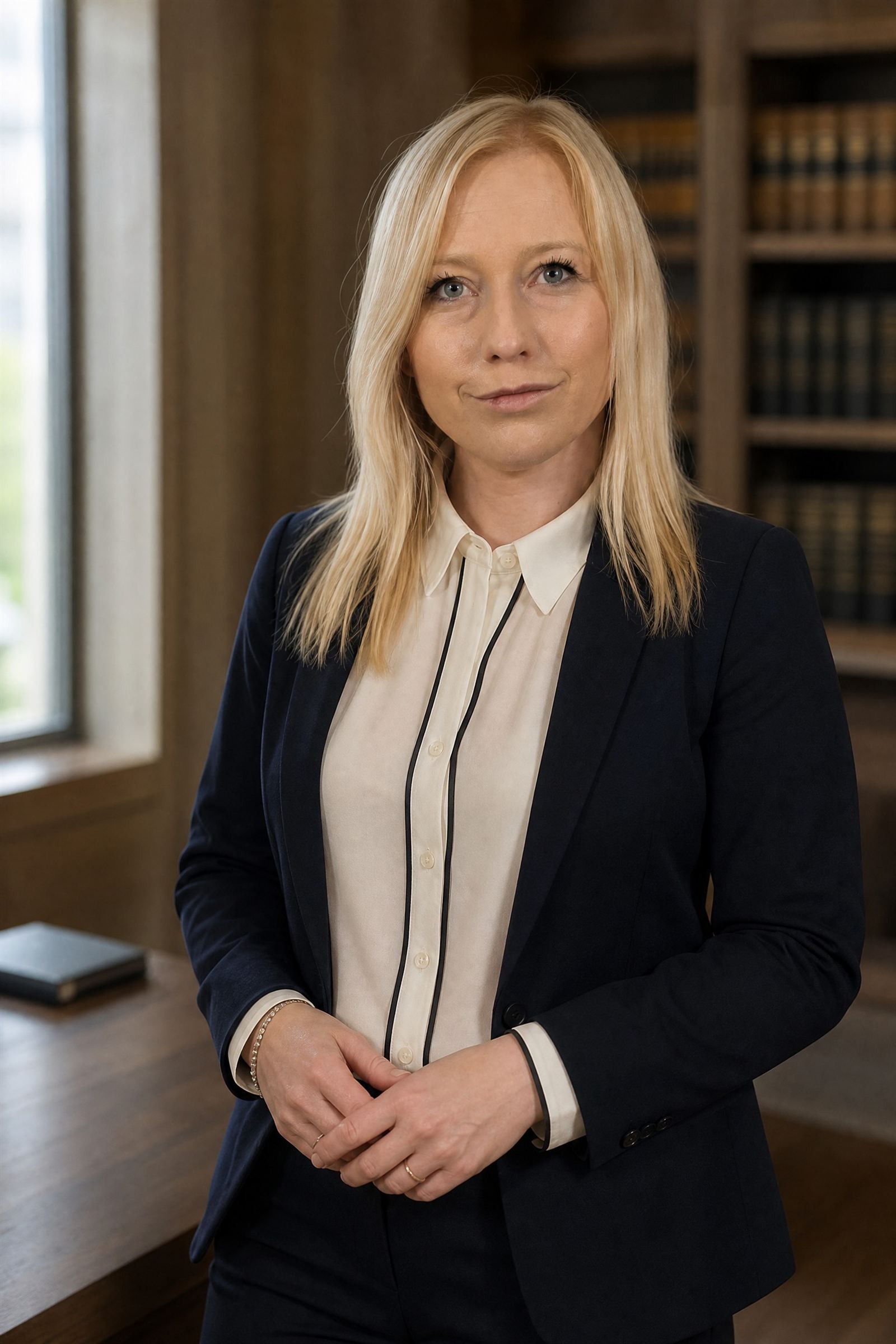
Founder Jolie Zajac holds the OnCue Advanced User Certification. Her presentation work since 2018 includes 100+ trials nationwide. Your assigned specialist is confirmed before preparation begins; equipment and backup arrangements are agreed with the scope.
Tell us your dates, courtroom, existing software and whether you need preparation, live operation or both. Check OnCue operator availability or review what shapes the engagement cost.
Before discussing the assignment, explore our interactive exhibit and deposition demonstration: preview, highlight, callout, playback and jury display using fictional materials.
Verify Jolie Zajac’s Advanced certification in the official OnCue registry ↗. She is listed under “Jolie Zajac.”
What an OnCue operator does before trial
Most of the work happens before the first witness is called.
- Exhibits. OnCue loads PDFs and common image formats; its help center says it does not take load files. Each exhibit ID comes from the file name, and OnCue strips zeros from the start of an ID, so we check the database against counsel’s current exhibit list before rehearsal.
- Deposition sync. Page-line playback needs a synchronized transcript. OnCue accepts sync files in Sanction .mdb, Timecoder .cms or its own .xml format, and its built-in ProSync tool syncs transcript to video on the local computer.
- Clips from designations. Page-line designations can be pasted into the Designation Wizard or imported from a text file or a TextMap export, with counterdesignations in their own highlighter color. We then tune each start and end point and remove objections or dead space in the Video Editor.
- Callouts and highlights. A treatment saved in OnCue gets its own ID under the page (in the vendor’s example, a saved annotation on 2.3 becomes 2.3.1), so an approved callout can be called up by number.
- Workspaces. OnCue saves custom workspace layouts, so the preparation view and the courtroom view are set before trial.
When revised designations arrive, OnCue can update an existing list and keep earlier tuning where it still applies. For the review and approval side of this work, see deposition video clips for trial.
OnCue in the courtroom, at counsel’s cue
OnCue trial presentation runs from a Windows laptop to the courtroom displays. The software sends the presentation to the displays you choose and keeps the operator’s working screen private, or mirrors the working view through its On-Air mode. During examination, the operator can:
- bring up an exhibit by ID, name or Bates number, down to the page (in OnCue’s own example, x27.4 shows page 4 of exhibit 27);
- draw flat or enhanced callouts, highlights and zooms, or recall treatments saved in preparation;
- place two pages side by side, or a page beside a video;
- play designated clips with scrolling transcript text while the Designation Dashboard shows elapsed time and the designations remaining;
- play testimony straight from a synced transcript, as video or text only, when a witness departs from the deposition;
- blank the screen the moment counsel or the court asks.
OnCue can also mark exhibits as admitted and can be set to stop an exhibit that is not marked from being published. The court rules on admission and counsel decides what to show; OnCue only records those decisions. For how the hot seat works alongside counsel, see hot seat trial technician services; for displays, switching and audio, see courtroom technology planning.
Working from TrialDirector, Sanction or an existing database
Whether you need a TrialDirector operator for this trial or someone to pick up a Sanction case, the first step is the same: open the case in the platform and version it was built in, and review it before it is relied on in court.
TrialDirector is now published by Reveal, which acquired its previous owner, IPRO, in 2023. Reveal styles the name Trial Director, and its documentation describes a Windows desktop application whose Export Case and Import Case options can move a case between subscriptions. Sanction is published by LexisNexis, which still offers it and maintains a support site for version 5.
Moving a case into OnCue means rebuilding it from the underlying files. OnCue’s documentation does not describe importing a TrialDirector or Sanction case, and it does not take load files. What each publisher documents:
Scroll sideways to view all columns
| Material | OnCue | Trial Director |
|---|---|---|
| Exhibits | PDFs and images; no load files | PDFs, images and Office files, plus .OLL, .LFP, .LOG and .MDB load files |
| Deposition sync | Sanction .mdb, Timecoder .cms, OnCue .xml | .mdb from Sanction, .cms from TrialDirector 6.8 (single-transcript files only) and other formats |
| Designated clips | Text-file lists, OnCue XML, TextMap exports | Page:line references or .CCS clip scripts |
See OnCue’s synchronized transcript guide and Reveal’s supported transcript file types. Older OnCue cases have a similar limit: a case built in OnCue 3 cannot be opened in OnCue 4 and is rebuilt, except designation lists, which move by XML.
When a case comes from another vendor’s TrialDirector technician, or from any other source, we check:
- exhibit IDs against the current exhibit list;
- missing media and broken links;
- sync accuracy on sample clips;
- designation lists against the latest designations, counterdesignations and rulings on objections;
- saved callouts, and which exhibits are marked admitted.
Choosing trial presentation software: an operator’s view
We provide services, not software, so the choice of platform is yours. A few practical questions usually settle it:
- Who will drive it? LIT Software describes TrialPad, its iPad app, as attorney-operated. OnCue and Trial Director are Windows programs, and our work is in those two and Sanction.
- What already exists? A case built in TrialDirector or Sanction, or sync files in a particular format, often decides the platform for this trial.
- Macs in the office? OnCue’s help center says Mac users run it in a Windows virtual machine such as Parallels. Reveal says installing Trial Director in Parallels is not supported.
- Shared work. OnCue supports several users at once on a shared network drive, but only one at a time in a Dropbox, Box or OneDrive folder. Reveal does not support Trial Director on those cloud services.
- Internet in court. Neither OnCue nor Trial Director needs internet access to present; both need it to activate or license, and OnCue confirms its subscription at least every 28 days.
Licenses come from the publisher, on terms between your firm and that publisher. Each offers a way to look first: a free evaluation license for OnCue, a free trial of Sanction from LexisNexis, and a demo of Trial Director from Reveal.
What to send us
For an availability check, the trial date, court, expected length and platform are enough. Once confidentiality terms or an NDA and a transfer method are agreed, the handoff usually includes:
- the platform and version, and who else works in the case;
- the case itself: the whole OnCue case folder plus any media stored outside it, a Trial Director case exported from Case Manager, or the existing Sanction case files;
- the current exhibit list, with exhibit PDFs named by exhibit number;
- deposition video, transcripts and any sync files, with the format noted;
- designations, counterdesignations and objection rulings as page-line lists, each dated or versioned;
- approved callouts and demonstratives, and a note of anything still awaiting a decision.
The trial presentation preparation checklist covers the rest of the handoff, from courtroom access to rehearsal.
Start with the trial date and the platform
Tell us the trial date, court, expected length and the platform your case is in. No case files are needed for the first conversation. You get a personal reply within 24 hours and a direct line to the specialist. Check availability for your trial.
OnCue, Trial Director, Sanction and the other product names on this page are trademarks of their respective owners. The OnCue Certified Advanced badge is shown with OnCue Technology’s permission to identify Jolie Zajac’s certification. Zajac Trial Group is an independent service provider and is not otherwise affiliated with, or endorsed by, the software publishers.
Before we begin
Questions from trial teams.
Is Jolie OnCue certified?
Yes. Jolie holds the OnCue Advanced User Certification, the advanced level of OnCue’s certification program. OnCue awards it to users who complete the Advanced OnCue Training Program and pass its certification exam.
Do you provide OnCue licenses?
No. We provide trial presentation services, not software. OnCue is licensed by its publisher, OnCue Technology, LLC, and the terms are between your firm and the publisher. If your team will also work in the case, tell us who, so changes can be coordinated.
Can you take over a database another vendor built?
Yes. We open it in the version it was built in and run the checks described above before trial. Anything that needs counsel’s decision is flagged before the case is used in court.
Can you convert a TrialDirector case to OnCue?
Not as a one-step conversion. OnCue’s documentation does not describe importing a TrialDirector case, so we rebuild the OnCue case from the underlying exhibits, transcripts, video and page-line designation lists. Sync files in Sanction .mdb or Timecoder .cms format, often supplied by the court reporter or videographer, load into OnCue directly. Allow time for the rebuild and for clip review.
Do you also run TrialDirector and Sanction?
Yes. Jolie works in OnCue, TrialDirector and Sanction. If your case is already built in one of them, we can stay on that platform for trial or plan a move with you.